How to fix the error: "Exception <fieldname> was not found in the schema"
Whenever you see this, just "Refresh Fields" of your data source
One day, you might see the following error on your dashboards:
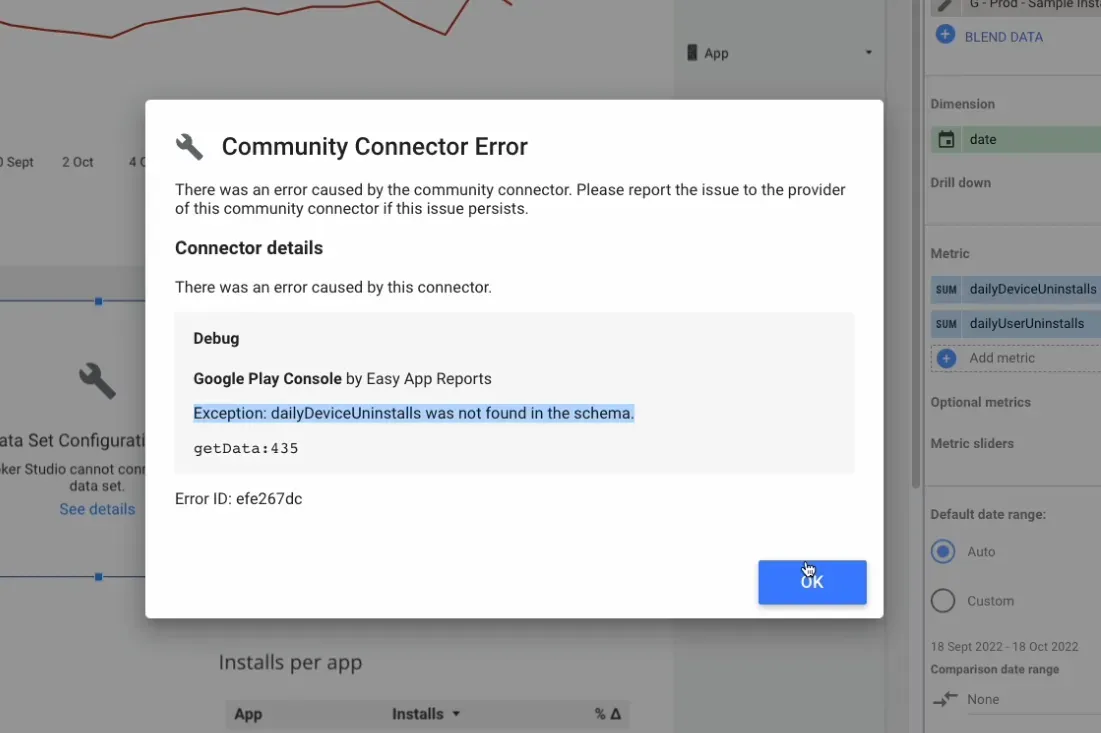
This usually happens when a field is either removed or updated, which causes Looker Studio to not find it on the schema anymore.
This is an easy fix. All you have to do is:
- Open your data source
- Click on "Refresh Fields"
- In case the field was removed, just delete it from your chart
And that's it. Here's an example of when we removed a few empty columns from the Google Play Installs report:
I hope that was useful!
